
MissionStack
Your workout on the big screen.
Plan the weeks on your iPad or Mac. Put the live workout on the gym TV.
The gym board is free in MissionStack.
- iPad, Mac and Apple TV
- Needs IronStack on each iPhone
- One lifter at a time today
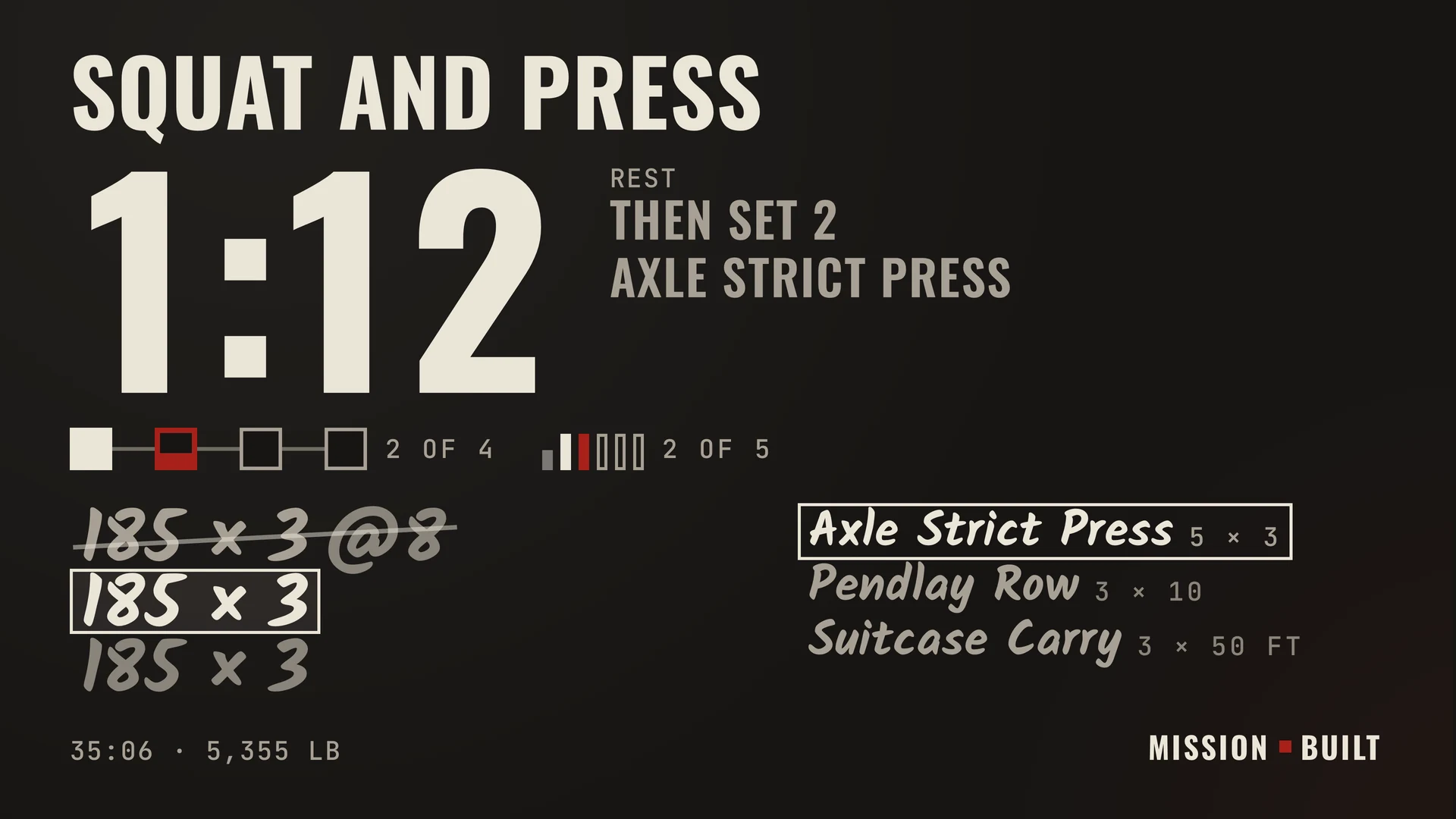
Read it from the platform.
Your set, the load and the rest clock, big enough to read across the gym. You log on your iPhone or Apple Watch; the board shows it.
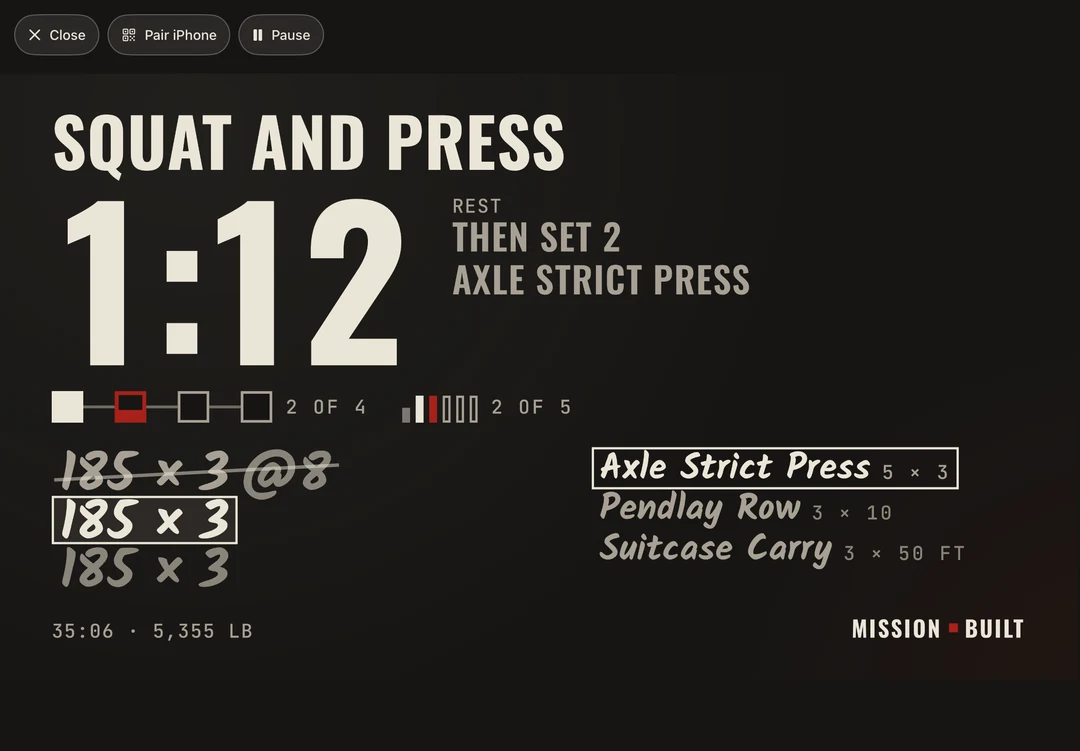
Scan the board's code with your iPhone to pair.
Use the Camera, and your workout is on the board. Same Wi-Fi, no account.
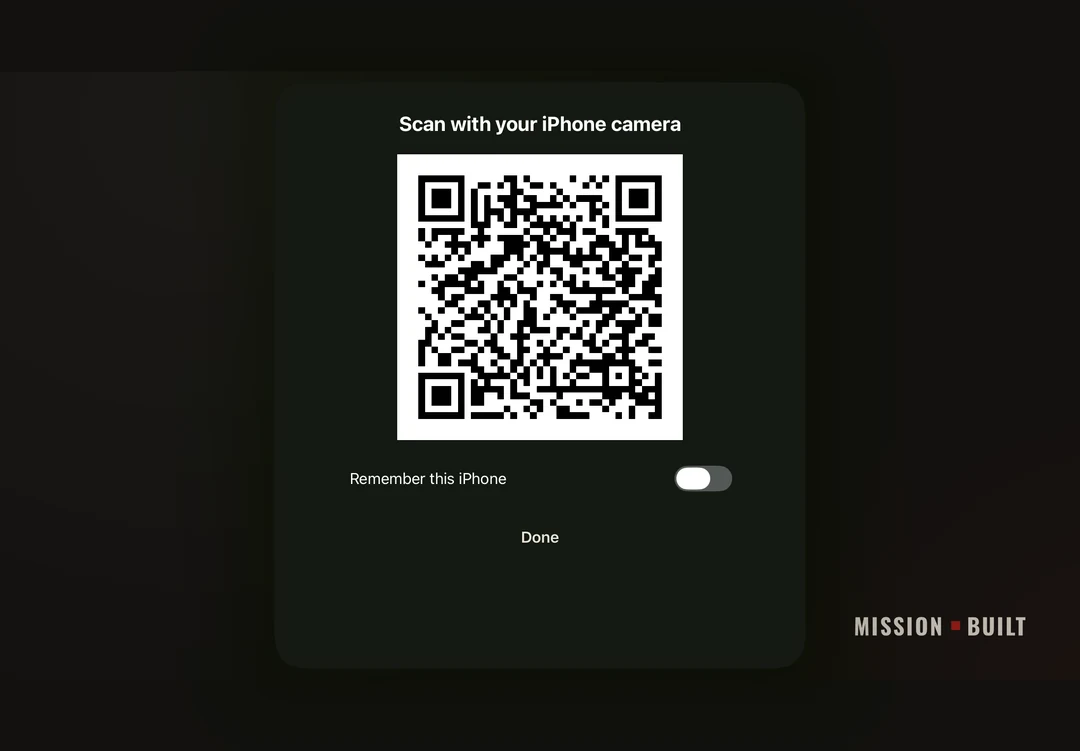
Plan the week.
Lay out the week on an iPad or a Mac. Type "front squat 3x5 @7" and the sets, reps and effort fill in. Drag workouts between days, make a superset, repeat a week.
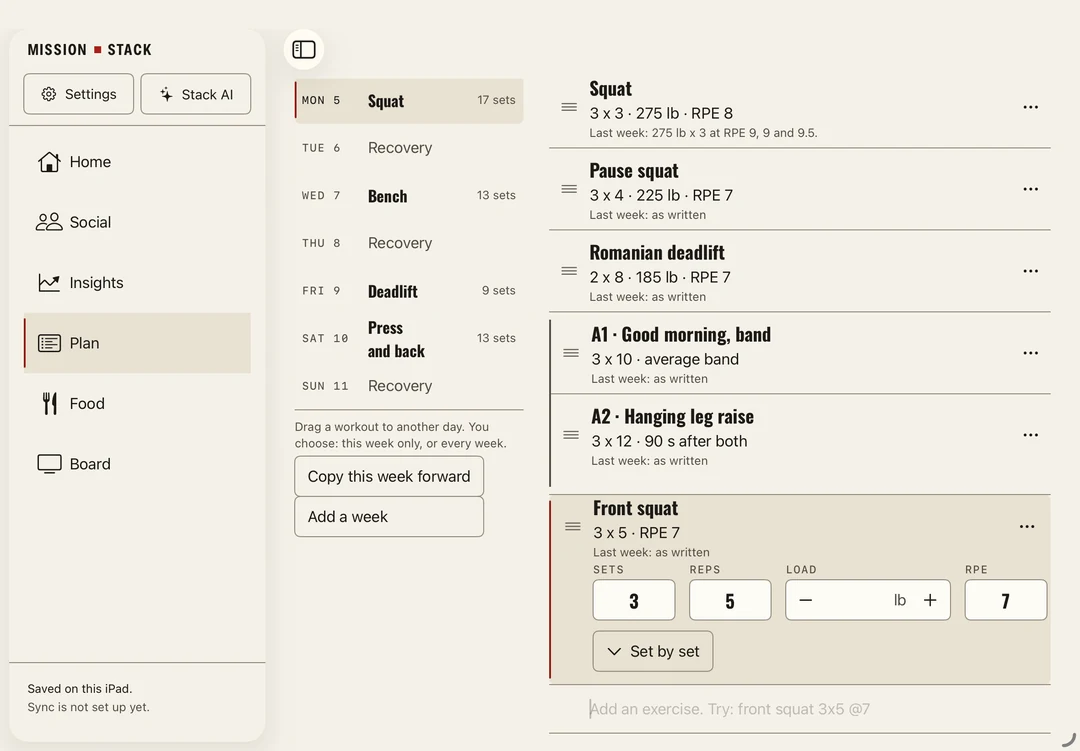
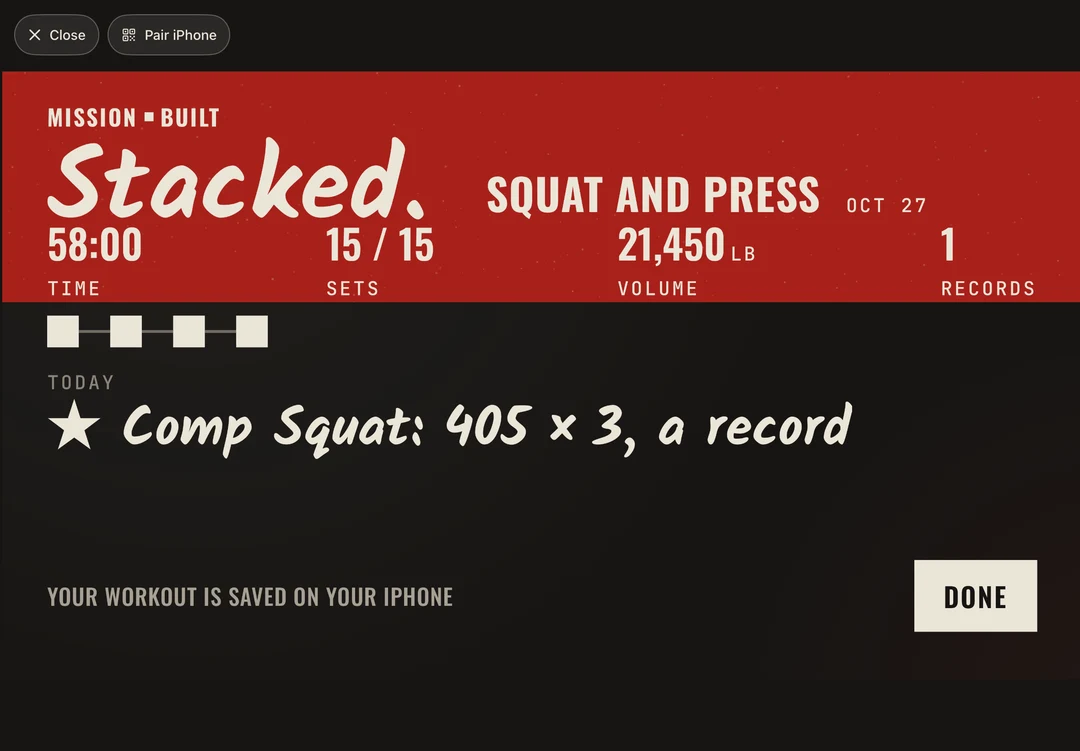
Stacked.
Finish and the board shows your time, your volume and any record you set.
Better as a stack.


Nothing to sign up for.
No account. The board talks to your iPhone over the same Wi-Fi, encrypted, never through the internet or Mission Built. It saves no workout: it holds the live one in memory only, until the workout clears. A phone you ask it to remember stays until you forget it there.
What leaves your phone, and what doesn'tPlan it. Put it up. Lift it.
On iPad (iPadOS 26), a Mac with Apple silicon (macOS 26) and Apple TV (tvOS 26). The board needs IronStack on your iPhone.
The gym board is free in MissionStack.
The board needs IronStack, which is for lifters 18 and over. The invite brings IronStack's beta too. Not ready for a beta? Get the App Store link first.